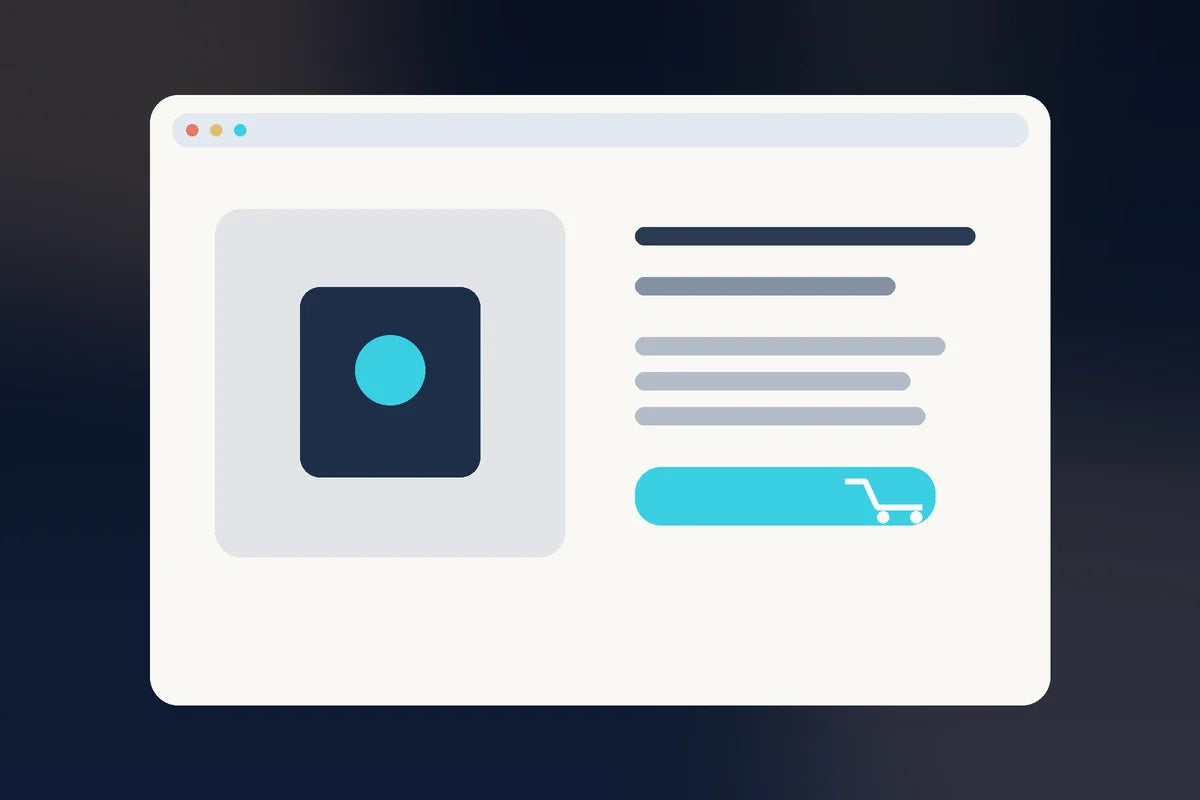
A product page is a decision page.
Its job is not merely to describe the product. It should give a qualified customer enough useful information to decide whether the product fits their situation and what happens if they buy.
Begin with the customer’s decision
Before writing, list the questions a reasonable buyer is likely to ask.
- What is this?
- What problem does it help with?
- Who is it for?
- What exactly do I receive?
- How does it work?
- What does it cost?
- How and when is it delivered?
- What makes it different?
- What proof can I evaluate?
- What if I still have a question?
The page structure should answer those questions in a logical order.
Make the top of the page concrete
Near the top, visitors should see the product name, a clear value statement, a useful visual or preview, the price when appropriate, and a visible purchase action.
A vague promise plus a button forces the visitor to scroll in search of basic context.
Describe the problem without dramatizing it
Show that you understand the situation the customer is trying to improve. Use specific language and familiar examples.
Avoid manufacturing fear or telling every visitor that their business is failing.
Explain the product in plain language
Describe what it is before naming internal modules, branded methods, or proprietary terms. A visitor should not need to learn your vocabulary before understanding what they are buying.
Connect what is included to why it matters
A list of 27 files may sound large but still feel abstract. Group components by purpose and explain the result they support.
For example:
Feature: reusable business reference card.
Value: reduces the need to re-explain the same business context every time you start an AI-assisted marketing task.
Show the product when possible
For digital products, previews can reduce uncertainty. Show representative pages, dashboards, templates, workflows, or screenshots when they accurately reflect what the buyer receives.
Do not use mockups that imply features the product does not contain.
Explain fit and non-fit
Clear qualification can improve trust. Explain who is likely to benefit and, when useful, who may need something different.
This can prevent the page from sounding as if the product is perfect for everyone.
State price and delivery clearly
If the visitor has to hunt for price, file delivery, account requirements, subscription terms, access duration, or refund policy, uncertainty grows.
Keep the mechanics close to the buying decision.
Answer objections before the button
Use customer questions, support messages, comments, competitor comparisons, and your own sales conversations to identify real uncertainty.
Then answer it plainly. Continue with How to Handle Customer Objections on a Sales Page.
Use credible trust signals
Trust can come from real previews, transparent policies, specific explanations, secure checkout, contact information, demonstrated expertise, and authentic customer proof.
Use How to Build Trust on a Small-Business Website Without Fake Testimonials.
Add an FAQ for the questions that remain
An FAQ is useful when it answers real buying questions that would otherwise interrupt the decision.
Use How to Write FAQ Sections That Help Customers Buy With Confidence.
Make the CTA specific
Buttons such as “Get the Suite,” “Start the Course,” or “Download the Guide” can be clearer than a generic “Submit,” depending on the action.
Use Website Calls to Action for the CTA framework.
Check the machinery before the copy
If the product page gets traffic but sales are weak, verify add-to-cart, checkout, payment, mobile layout, pricing, delivery, and destination links before changing every sentence.
Use Why Aren’t People Buying? for the full diagnostic order.
Product-page checklist
- Clear product name and promise
- Who the product is for
- Problem or goal it addresses
- What is included
- Why each major component matters
- Representative product preview
- Price and delivery
- Credible trust information
- Objections and FAQs
- One clear buying action
For the complete page-conversion system, return to Website Conversion for Small Business.
A useful product page does not pressure the customer into a decision. It gives them the information they need to make one.


