A good FAQ section is not filler. It is a compact decision-support tool.
When customers repeatedly ask the same questions before buying, those questions are telling you where uncertainty exists. A strong FAQ makes the answers easy to find.
If you are building the whole conversion path, start with Website Conversion for Small Business: A Beginner’s Guide.
Use real questions first
The strongest FAQ usually comes from questions customers already ask in emails, DMs, comments, support conversations, sales calls, reviews, and checkout conversations.
Do not begin by inventing twenty questions because you think a page is supposed to have an FAQ. Start with the questions that actually affect decisions.
Prioritize buying questions
Some questions are interesting but not important to the purchase. Your FAQ should focus first on the information a buyer needs to move forward confidently.
Examples include:
- Who is this for?
- What exactly is included?
- How is it delivered?
- How long does access last?
- Do I need special software?
- What happens after checkout?
- What is the refund policy?
- Can I use this if I am a beginner?
- Is there support?
Write the answer before you try to sound clever
FAQ answers should be easy to scan. Lead with the direct answer, then add context if necessary.
If the question is “Is this a subscription?” the first sentence should answer yes or no. Do not make the reader dig through a paragraph to find the answer.
Do not use the FAQ to hide important information
If price, product format, delivery, or a major limitation matters to almost every buyer, it probably deserves a visible place on the main page too.
The FAQ should support the sales page, not rescue a page that avoided basic clarity.
For more on that, see How to Write a Product Page That Answers Buying Questions.
Use objections as FAQ material
Some FAQs are really objections in question form:
- What if I am brand new?
- What if I already use another tool?
- How much time will this take?
- Will this work for my type of business?
Answer these with specifics rather than hype. You can go deeper with How to Handle Customer Objections on a Sales Page.
Keep answers honest
Do not turn every answer into a sales pitch. If there is a limitation, say it clearly. If a product is not designed for a certain type of customer, saying so can build trust and reduce refunds.
Organize longer FAQ sections
If you have more than a handful of questions, group them by topic. For example:
- Getting started
- What is included
- Billing and refunds
- Technical requirements
- Access and support
This helps visitors find the relevant answer quickly.
Make the section usable
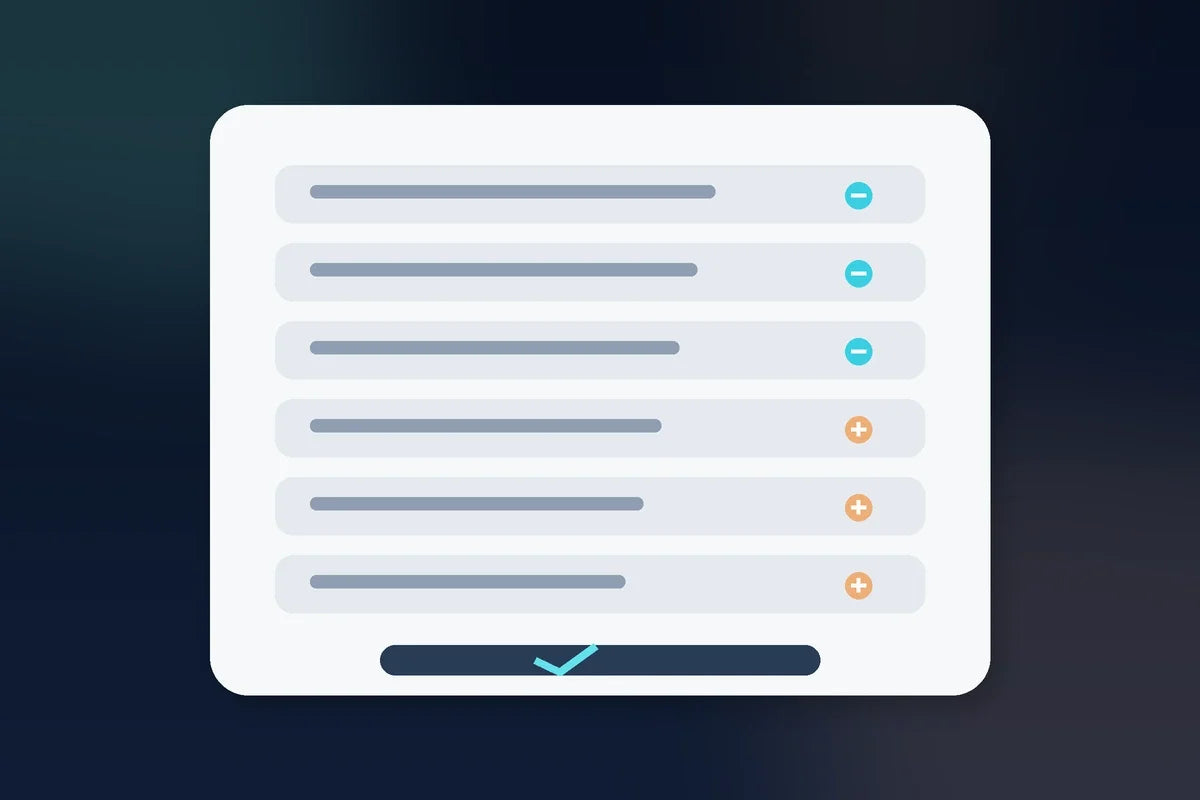
Accordion-style FAQs can work well, but test them on mobile. Make sure the question text is readable, the tap target is large enough, and the answer does not collapse unexpectedly.
Search engines and visitors both benefit when the actual page content is clear and useful. Do not sacrifice readability for a decorative interaction.
A practical FAQ checklist
- Are these real customer questions?
- Do the questions affect a buying decision?
- Does each answer lead with the direct answer?
- Have I avoided repeating obvious page copy?
- Have I answered major objections honestly?
- Is the section easy to use on mobile?
- Can a visitor find policy and delivery details quickly?
Bottom line: a useful FAQ reduces uncertainty. It helps customers make a decision without having to stop, search, or contact you for information the website should already provide.