Conversion rate optimization, often shortened to CRO, is the process of improving the percentage of visitors who complete an important action.
That action might be a purchase, signup, booking, download, or another meaningful next step.
For a small business, CRO does not need to mean expensive software or endless A/B tests. It starts with a much simpler question: what is most likely stopping the right visitor from moving forward?
Start with Website Conversion for Small Business: A Beginner’s Guide if you want the full framework.
Test in the right order
Do not begin by changing button colors because that is easy to test. Start with the biggest possible blockers.
A useful order is:
- Technical problems
- Relevance
- Clarity
- Value
- Trust
- Friction
- Objections
- Motivation
- Next step
1. Fix technical problems first
Before testing copy, make sure the page works.
Check broken links, failed checkout steps, forms that do not submit, slow loading, missing mobile layouts, payment issues, and incorrect product delivery.
If the customer physically cannot complete the action, a headline test will not solve the problem.
2. Check relevance
Are the right people landing on the page? Traffic that does not match the offer can create a low conversion rate even when the page is strong.
Compare the promise that brought the visitor in with the page they land on. Search query, social post, ad, email, and landing page should feel connected.
3. Test clarity
Can the visitor understand the page quickly?
Test the headline, offer description, who the offer is for, what is included, price context, and what happens next.
The articles How to Write a Small-Business Homepage That Makes Sense Quickly and How to Write a Product Page That Answers Buying Questions can help here.
4. Strengthen value before adding urgency
If the visitor does not understand why the offer matters, adding a countdown timer will not create sustainable conversion.
Make the outcome, included components, use case, and practical benefit easier to understand.
5. Improve trust
Check whether the page gives the visitor enough reason to believe what they are reading.
Trust signals can include transparent product details, real examples, founder information, clear policies, previews, demonstrations, consistent branding, and honest limitations.
Read How to Build Trust on a Small-Business Website for a deeper checklist.
6. Reduce friction
Remove unnecessary steps, confusing navigation, hidden information, competing CTAs, and avoidable form fields.
Use How to Reduce Website Friction Before You Rewrite the Copy before changing messaging.
7. Answer objections
If visitors hesitate because they are unsure about fit, price, effort, timing, or risk, answer those questions directly.
See How to Handle Customer Objections on a Sales Page.
8. Check motivation
Sometimes the page is clear but the visitor has no strong reason to act now. Motivation can come from a relevant problem, a clear desired outcome, limited availability, a real deadline, or simply the cost of continuing without a solution.
Avoid fake urgency. Motivation should come from the customer’s actual situation and the offer’s actual value.
9. Clarify the next step
Make the primary CTA obvious and specific. The visitor should know what clicking the button will do.
Read Website Calls to Action: How to Choose the Right Next Step.
Change one important thing at a time
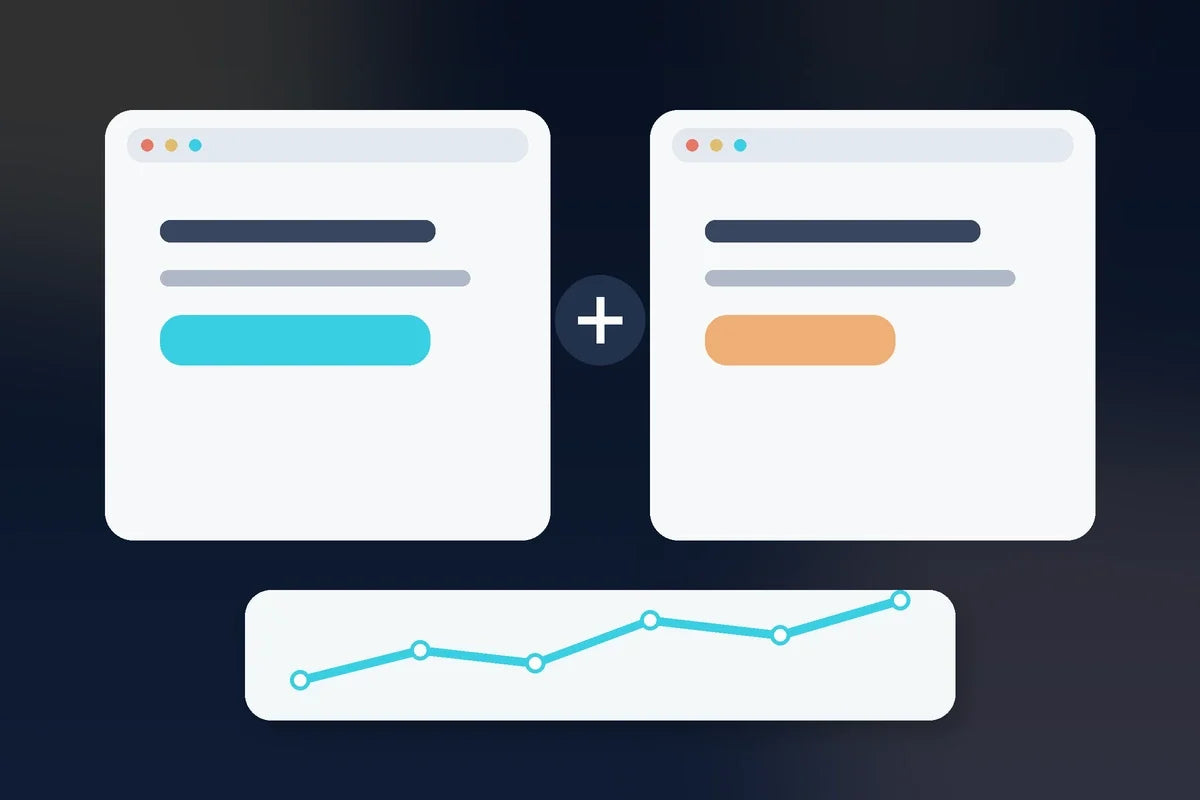
If you rewrite the entire page, change the offer, add new testimonials, redesign the layout, and change the price at the same time, you may improve results—but you will not know what caused the improvement.
For small businesses with modest traffic, perfect statistical testing may not be realistic. You can still work systematically: document the problem, make one meaningful change, observe the result, gather customer feedback, and decide what to test next.
Do not optimize a page that should not exist
Sometimes the right answer is not a better version of the page. The visitor may be landing on the wrong page entirely. Make sure the page type matches the job using Homepage vs. Landing Page vs. Product Page.
Bottom line: CRO is disciplined problem-solving. Fix the machinery, then improve relevance, clarity, value, trust, friction, objections, motivation, and the next step—in that order.