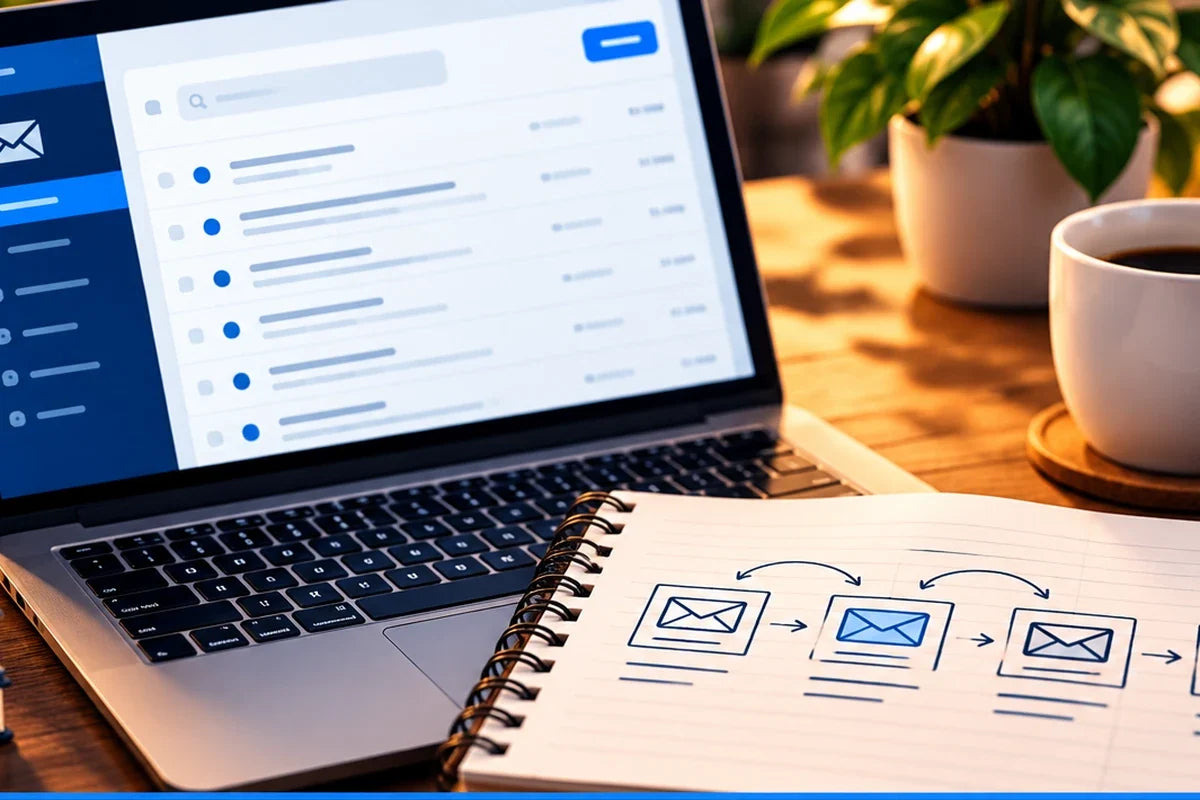
Email marketing becomes much easier when you stop treating every email like a separate creative emergency.
You do not need dozens of automations to begin. You need a simple system that answers five questions:
- Who is receiving this?
- Why are they receiving it?
- What do they already know?
- What should happen next?
- What will you learn after you send it?
Start with the audience
An email to a brand-new subscriber should not sound the same as an email to somebody who has already purchased from you.
Useful audience groups may include new subscribers, interested leads, customers, past customers, launch waitlists, or people who downloaded a specific resource.
The goal is not to create twenty segments on day one. The goal is to avoid sending every message to everybody.
Give the email one job
Before writing, decide what the email is meant to accomplish.
It might welcome, teach, remind, announce, nurture, convert, re-engage, or support a customer after purchase.
One clear job makes the subject line, body, and CTA much easier to write.
Build a basic welcome sequence
A simple welcome sequence can start with three emails:
- Welcome: deliver what the person expected and explain what they can expect from you.
- Useful next step: teach something practical related to why they joined.
- Relevant offer or resource: show the next logical place to continue.
That is enough to begin building a relationship without creating an enormous automation map.
Write from what the reader knows now
Good email copy respects context. A reader who just downloaded a beginner checklist may need orientation. A customer who already bought your product may need implementation help.
Ask: What does this person likely know before they open this email?
Make the next step obvious
Every email does not need a hard sales CTA. The next step may be read an article, reply, use a resource, watch a tutorial, visit a product page, or complete one task.
Choose the action that fits the email’s job.
Reuse your best ideas
Email does not require inventing an entirely new subject every time.
Your blog posts, customer questions, social posts, FAQs, product lessons, and recurring mistakes can all become email material.
Use what already exists before creating from scratch.
Measure enough to learn
Useful email observations can include delivery, opens where available, clicks, replies, unsubscribes, purchases, and the behavior that happens after a click.
No single metric tells the whole story.
Use:
Observation → Possible explanation → Test → Learning
A simple email workflow
WHO RECEIVES → WHY → WHAT THEY KNOW → NEXT STEP → WRITE → REVIEW → SEND → MEASURE → LEARN
If you can answer those questions consistently, you already have the beginning of an email marketing system.
Build out the rest of the email system
Use Email Marketing for Small Business: A Beginner’s Guide as the hub for the complete topic.
- Email Segmentation for Small Business for deciding who should receive what.
- How Often Should a Small Business Send Marketing Emails? for choosing a sustainable rhythm.
- Email Marketing Metrics for Small Business for measurement and learning.


